Reusable Content Blocks
Last updated: July 9, 2025
You can now save parts of your email to reuse in future drafts!
Visual Editor
Bring your cursor to the far right of the editor screen - you’ll see “row” show up below the cursor. Click where it says
Rowthen clickSave
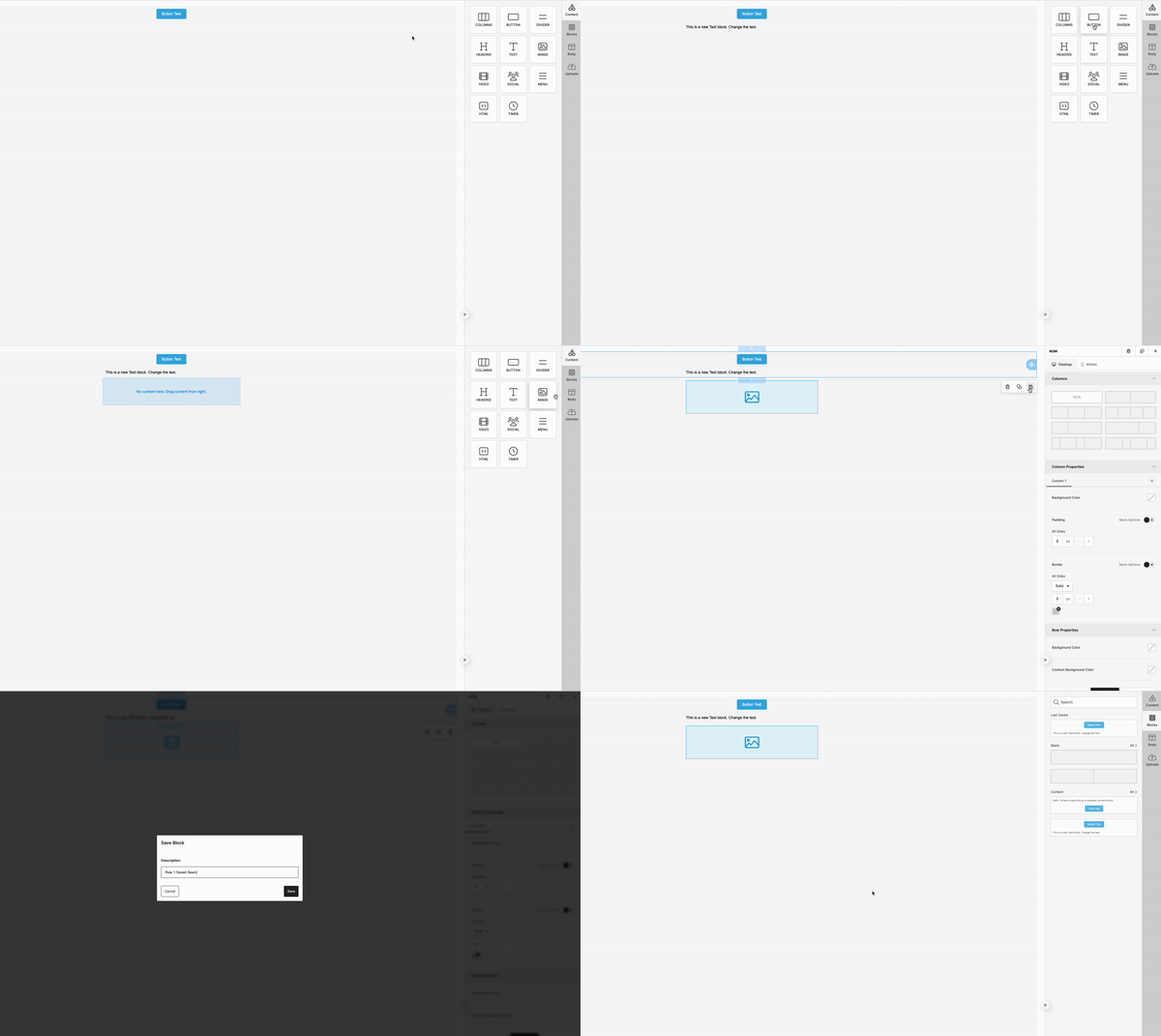
If you want multiple types of content in your
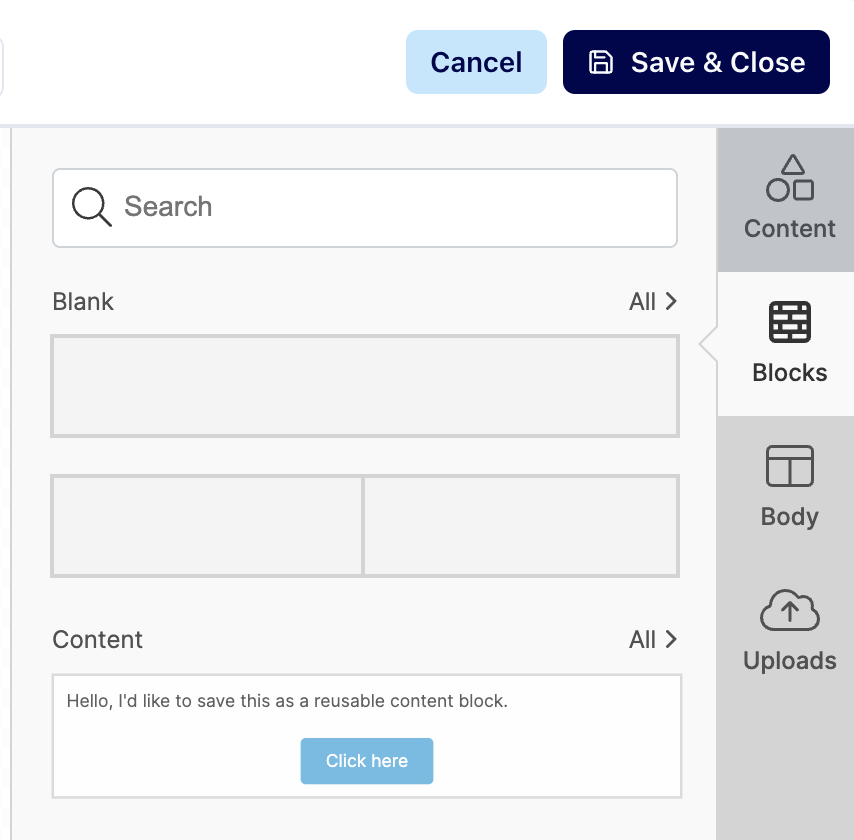
Row, start with aBlockand add content there.To access previously saved content blocks, click
Blockson the right side of the page. You can delete blocks as needed from this page as well.
HTML Editor
Highlight the part of the HTML code you want to save
Then navigate to
Content Blocksin the bottom menu and clickSave selected content as…Then you can choose a category and add a short description which will allow you to easily identify your different blocks.