Exporting all my organization's message threads
Last updated: September 17, 2025
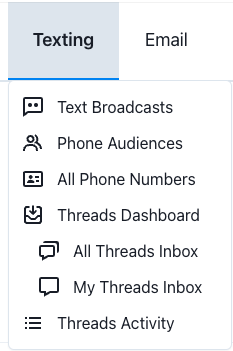
Go to All Threads and then click Export Messages.
Data export options include whether a reply is needed, time inbound message was sent, VAN ID, labels, Switchboard reusable fields, ActBlue reusable fields, etc.
You can export just inbox messages and replies claimed by your user account by going to My Threads Inbox (vs All Threads) and exporting from there.