Mission Control
Last updated: September 25, 2026
What is Mission Control?
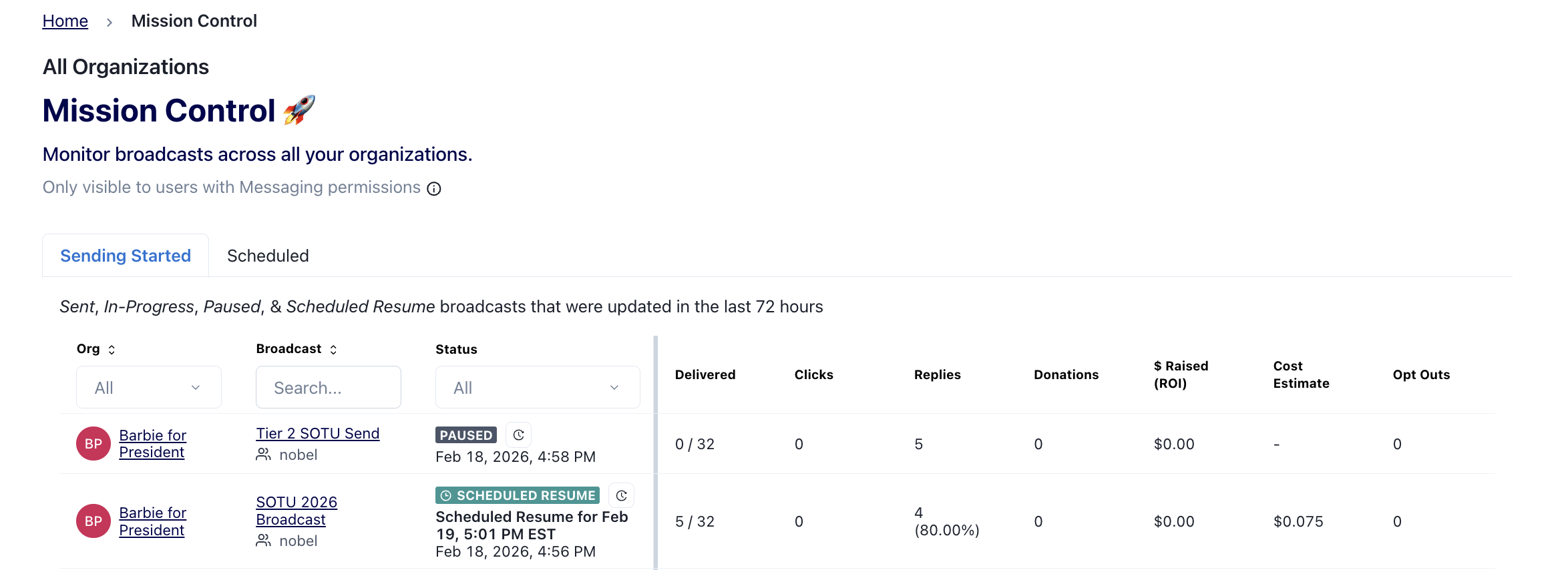
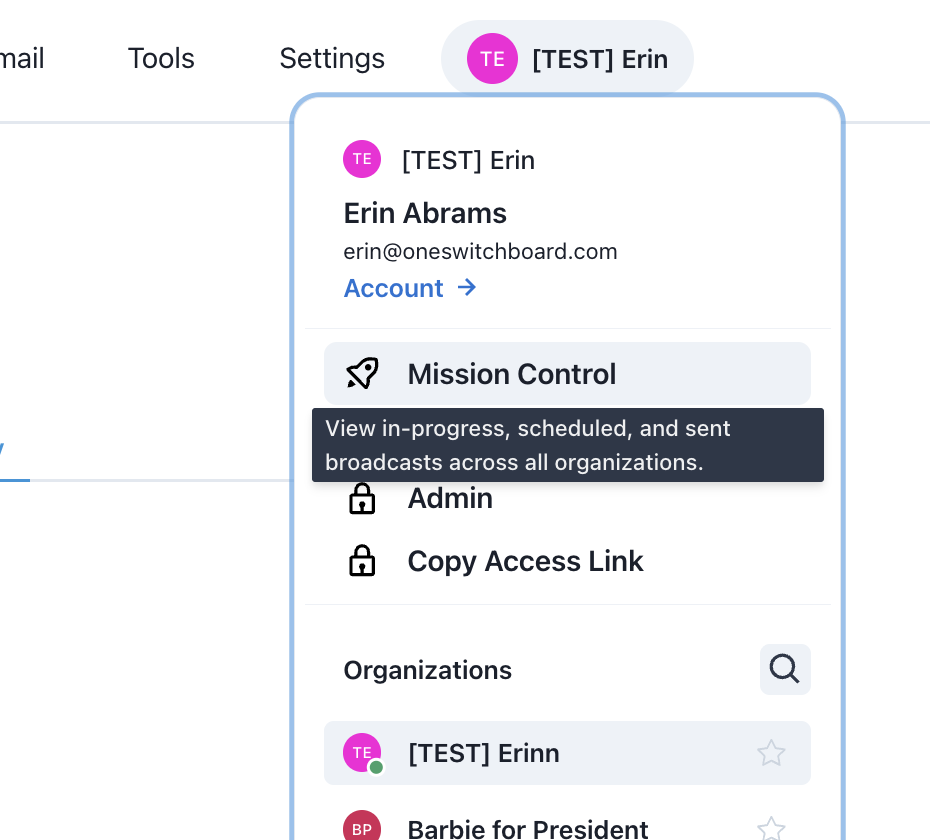
Mission Control provides users with a view of all their current, upcoming and recent broadcasts from all Organizations which the user has Basic User, Admin or Owner Messaging permissions so they can make more holistic strategic decisions.
Which Broadcasts Are Shown on Mission Control?
Mission Control fetches broadcasts from all Organizations which the user has Messaging User or Admin permissions and includes the following categories:
Sending Started= Broadcasts whose status was updated in the last 72 hours to Sending in Progress, Paused, Scheduled to Resume, Sent, Stopped or Errored status
Scheduled= All Broadcasts currently in Scheduled Status
Users will NOT see broadcasts from any Organizations for which they do not have Messaging User or Admin permissions.
Who can view Mission Control?
This is accessible to all users in the Org with Messaging User or Admin permissions.
What Actions Can Currently Be Taken From Mission Control?
User can click the Broadcast Title link to access the Broadcast Page
User can search or filter results by an Organization name
User can filter results by Broadcast Status
User can view Broadcast performance stats, including version-level A/B test stats for broadcasts with test versions. A/B test broadcasts are marked with a test-tube icon, and hovering over the relevant performance cells shows the per-version breakdown.
User can view the Status History by clicking the Clock icon
User can view Automatic Expansion summary by clicking into the Play button icon
User can Pause or Resume from the Broadcast rows
Your Feedback is Important to Us
Please share any feedback and report any issues you have experienced at support@oneswitchboard.com